

Windows Settings to Speed Up SSD: Check This Guide
Solid-state drives (SSDs) have transformed computing. Compared to traditional hard disk drives (HDDs), SSDs deliver dramatically faster boot times, quicker…
Read more »

How to Delete Copilot Memory Safely on Windows 11
Microsoft Copilot is a powerful AI assistant integrated into Windows 11, designed to help users with productivity, creativity, and everyday…
Read more »

How to Prevent Chrome from Requesting Geolocation: A Comprehensive Guide
Google Chrome is one of the most popular web browsers in the world, and it offers a range of features…
Read more »
Configuring Geolocation in Chrome Complete Guide
Configuring geolocation in Chrome is essential for accessing accurate location-based services like maps, weather updates, ride-hailing apps, and local search…
Read more »
Enable or Disable Spatial Sound in Windows
Spatial sound is a feature in Windows that allows users to experience immersive audio in their games, movies, and other…
Read more »
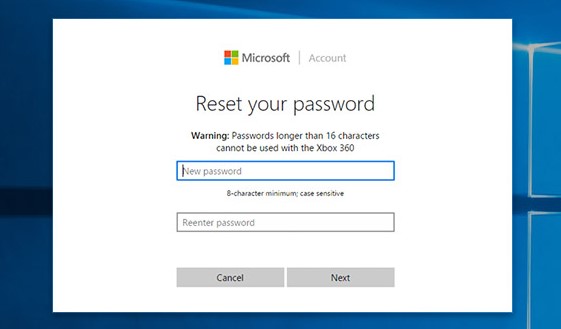
Can’t Sign into Microsoft Account after Password Reset?
Resetting your Microsoft account password can be a frustrating experience, especially if you’re unable to sign in afterwards. If you’re…
Read more »
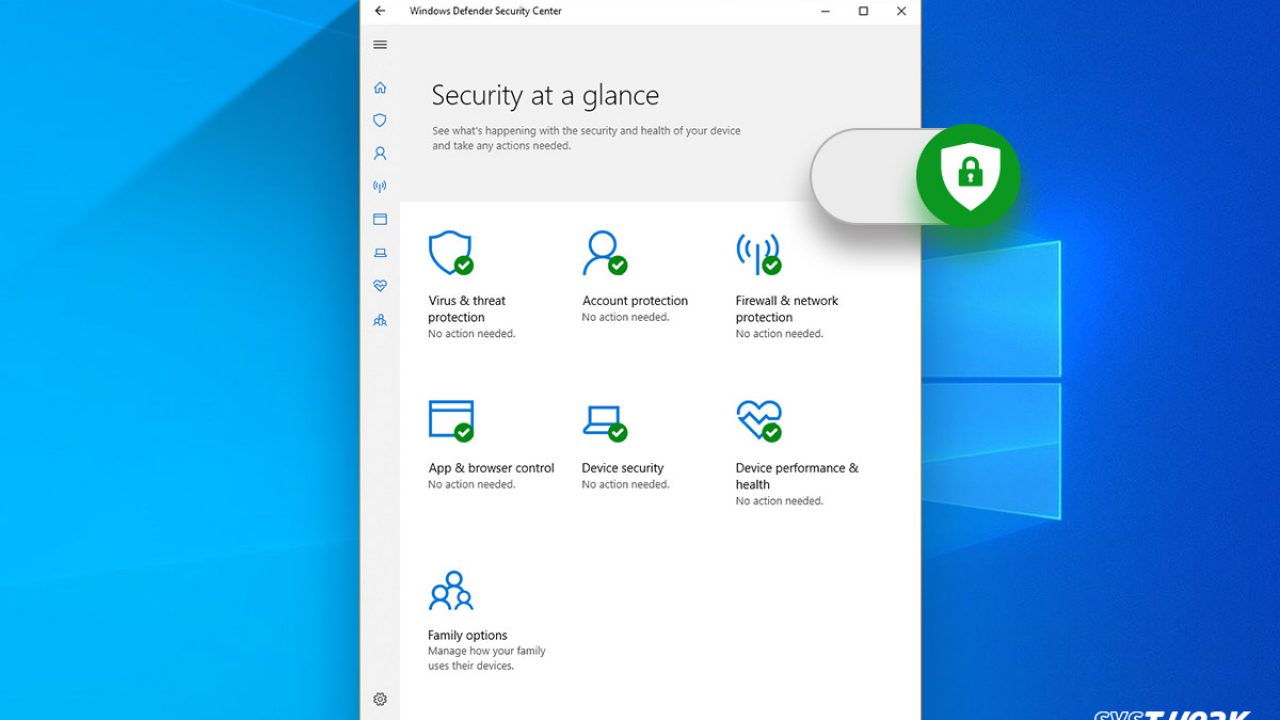
How to Disable Exploit Protection in Windows 11
Exploit Protection is a feature in Windows 11 that helps protect your computer from exploits, which are attacks that take…
Read more »
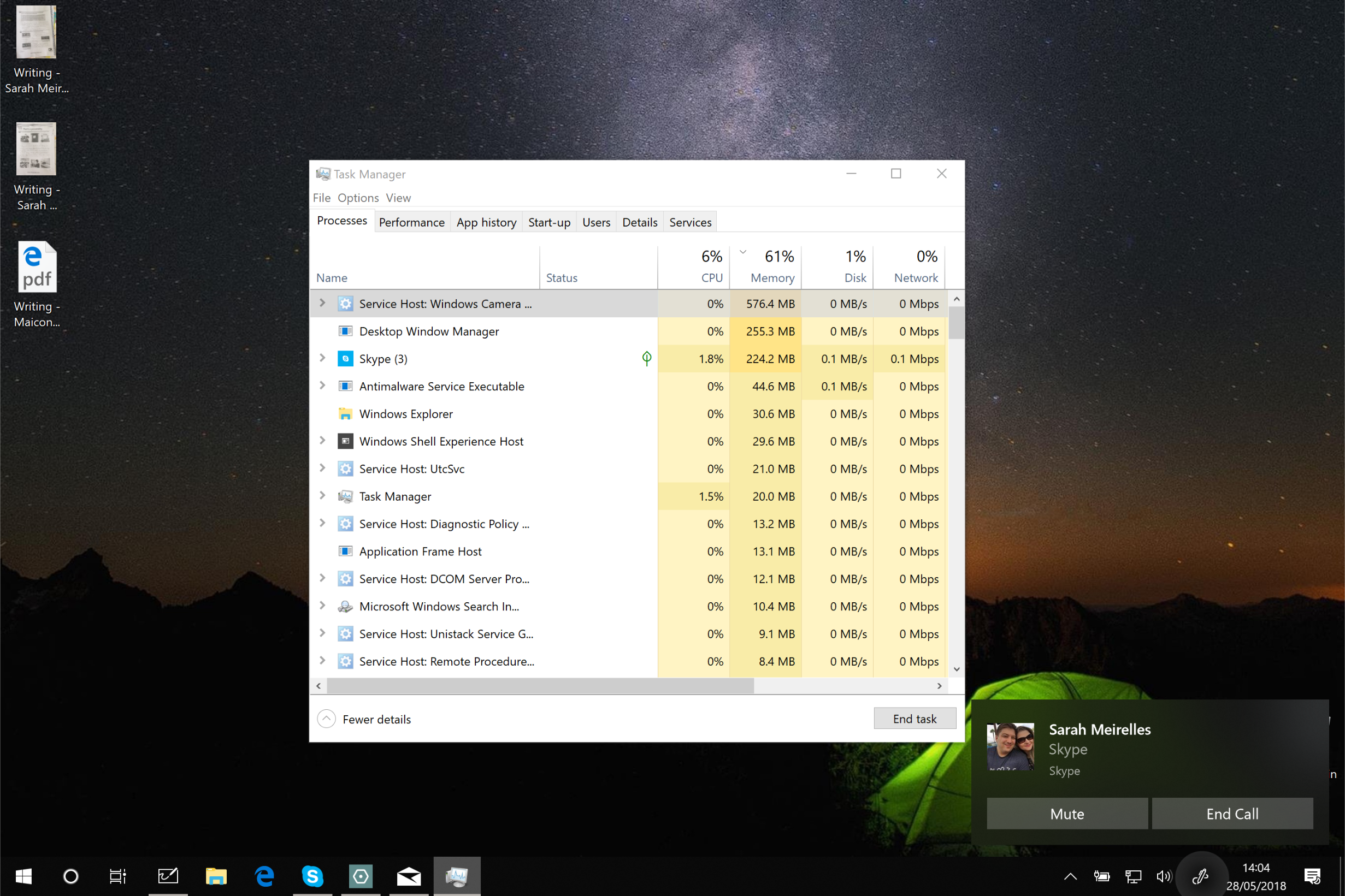
Fix Windows Camera Frame Server Issues in Windows
The Windows Camera Frame Server is a background system component responsible for managing camera access between multiple applications in Windows….
Read more »
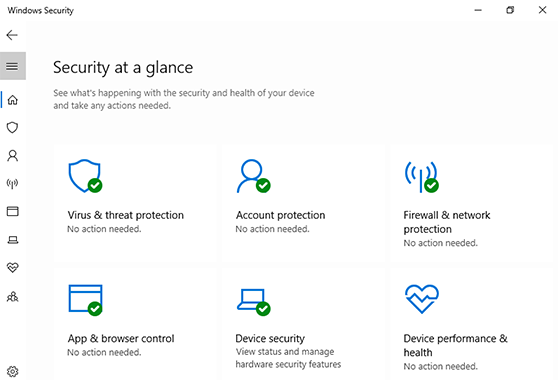
Manual Windows Security Signature Update
Windows Security (formerly Windows Defender) is Microsoft’s built-in antivirus and antimalware solution. It protects your system against viruses, ransomware, spyware,…
Read more »

How to Download Realtek Audio Driver on Windows 11
Audio drivers are the backbone of your computer’s sound system. Without them, even the most advanced hardware cannot deliver clear,…
Read more »