
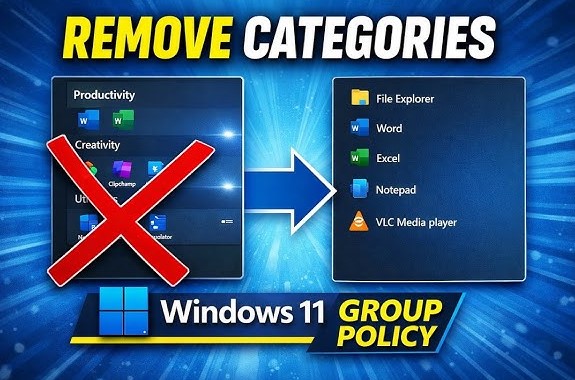
Hide All Category Section in Windows 11 Start Menu Guide
Microsoft introduced a redesigned Start Menu in Windows 11, offering a cleaner and more modern interface compared to previous versions….
Read more »
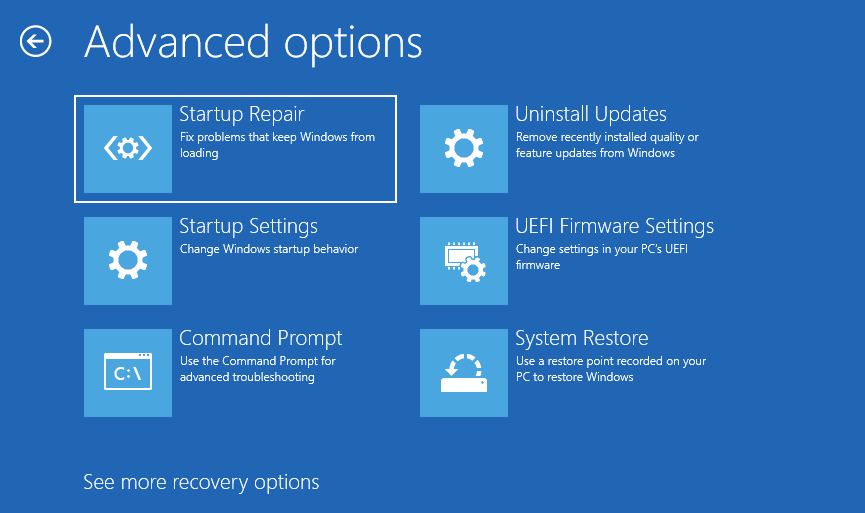
Fix “Recover From a Drive” Not Showing in Windows 11
System recovery tools are essential when your computer stops working properly. If Windows becomes unstable, corrupted, or fails to boot,…
Read more »
Recover Data from Outlook OST After Mailbox Deletion Guide
Anyone who manages enterprise email systems long enough will eventually encounter a common but frustrating situation: an employee leaves the…
Read more »
How to Wipe an SD Card Safely and Erase Data Completely
Securely wiping an SD card is an important step when you want to protect your personal data or restore the…
Read more »
Fix “The File You Are Attempting to Preview” Warning in Windows
When browsing files in Windows File Explorer, you may sometimes see a warning message that says: “The file you are…
Read more »
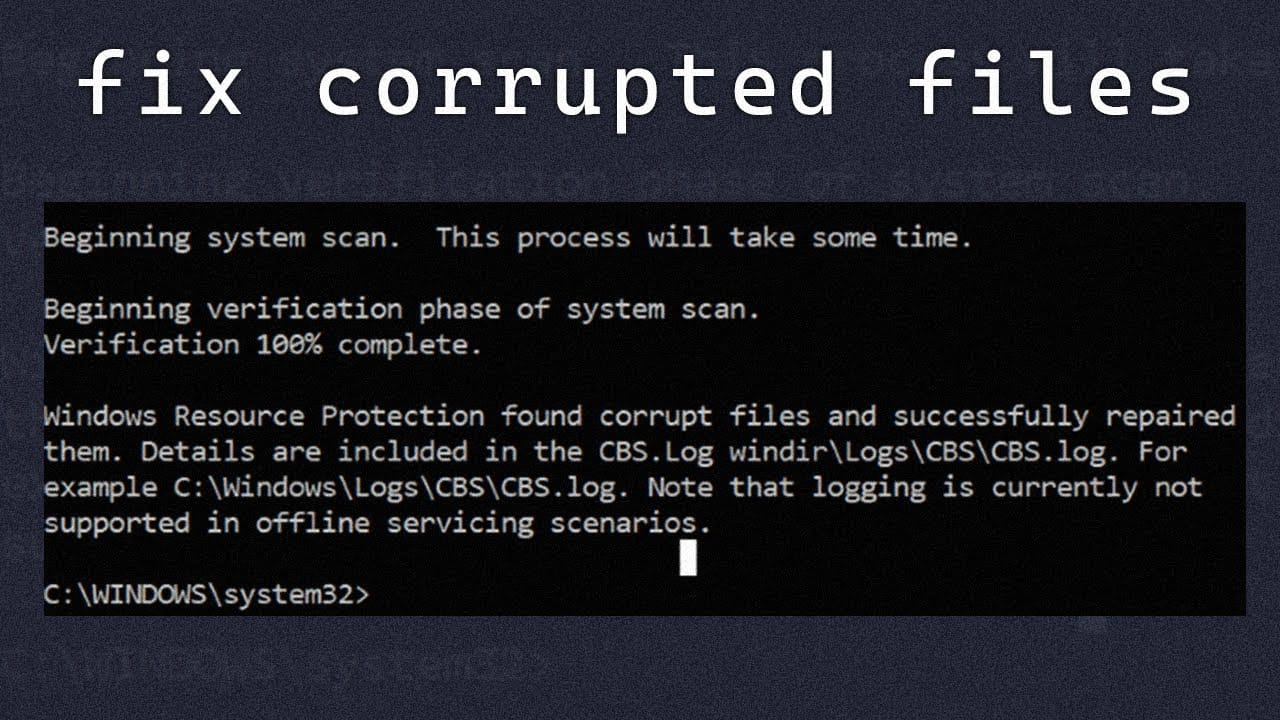
How to Check and Repair Corrupted Files in Windows 11 PC
Corrupted system files can cause a wide range of problems on a Windows computer. If you notice frequent crashes, applications…
Read more »
How to Check Your PC Health Using Windows Built-In Tools
Your computer’s performance and reliability depend heavily on its overall system health. Over time, PCs can slow down due to…
Read more »

Adobe Acrobat Reader DC Guide: View, Sign & Manage PDFs
PDF files have become the global standard for sharing digital documents. From business contracts and school assignments to official forms…
Read more »

How to Fix Missing Security Center in Windows 11 Fast Guide!
Windows Security is one of the most important components of modern Windows systems. It acts as the central dashboard that…
Read more »

Shark007 Codecs Pack 64-bit Windows Guide
Playing audio and video files smoothly on Windows sometimes requires more than just a media player. Many formats depend on…
Read more »