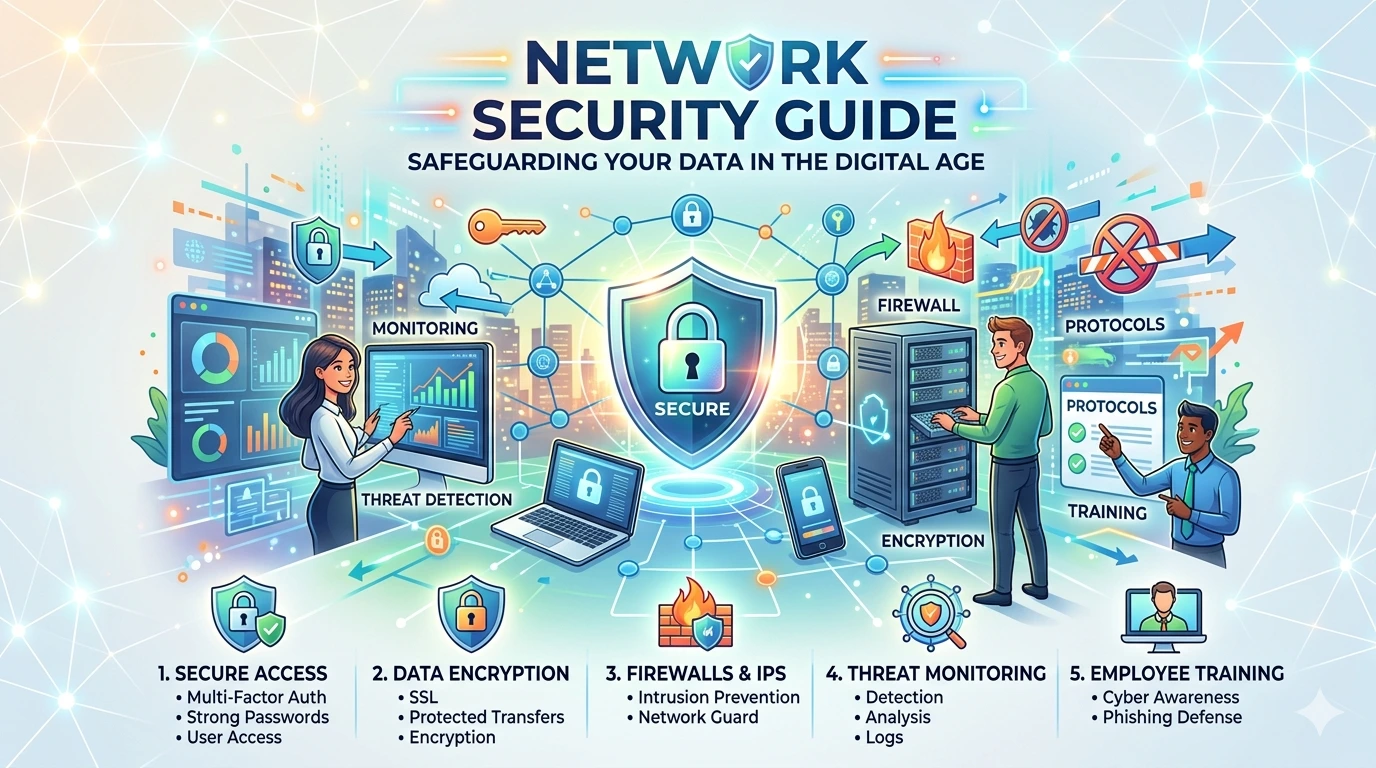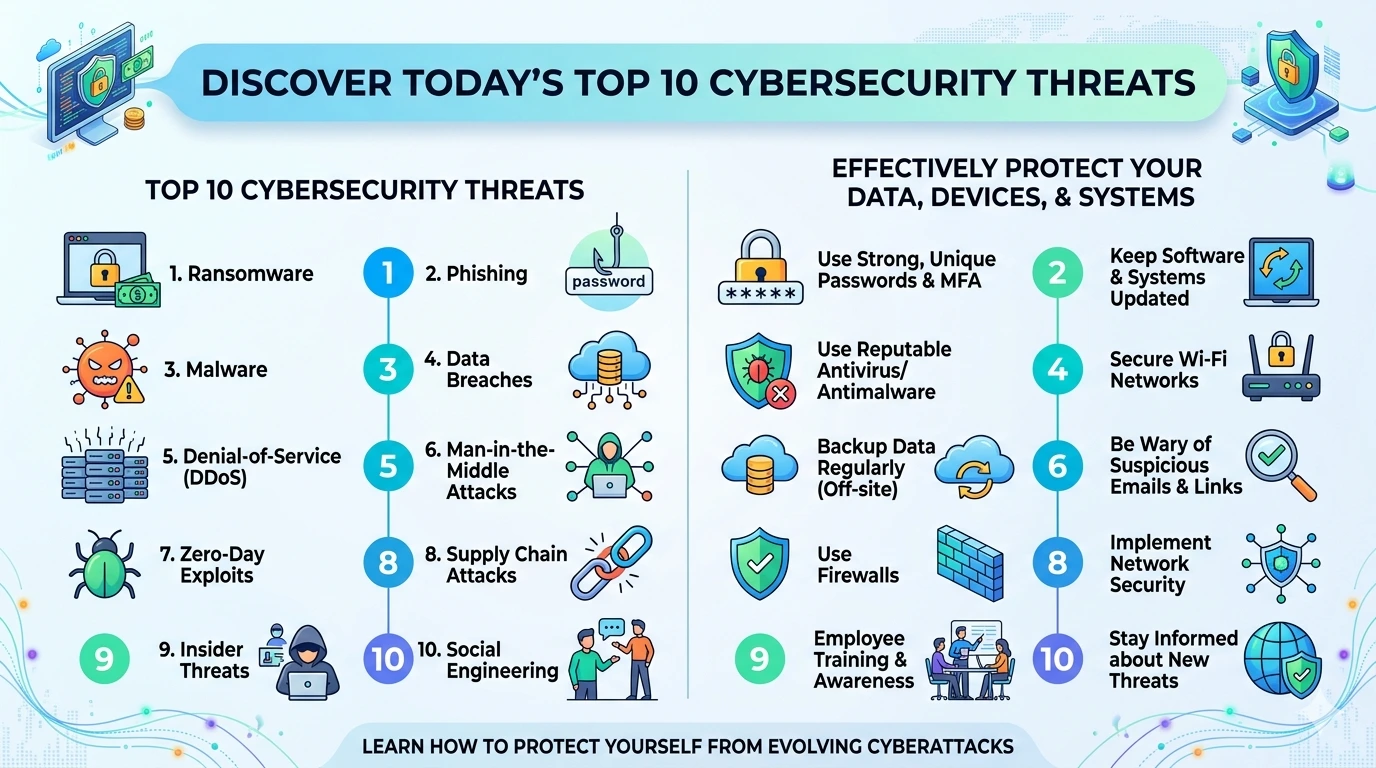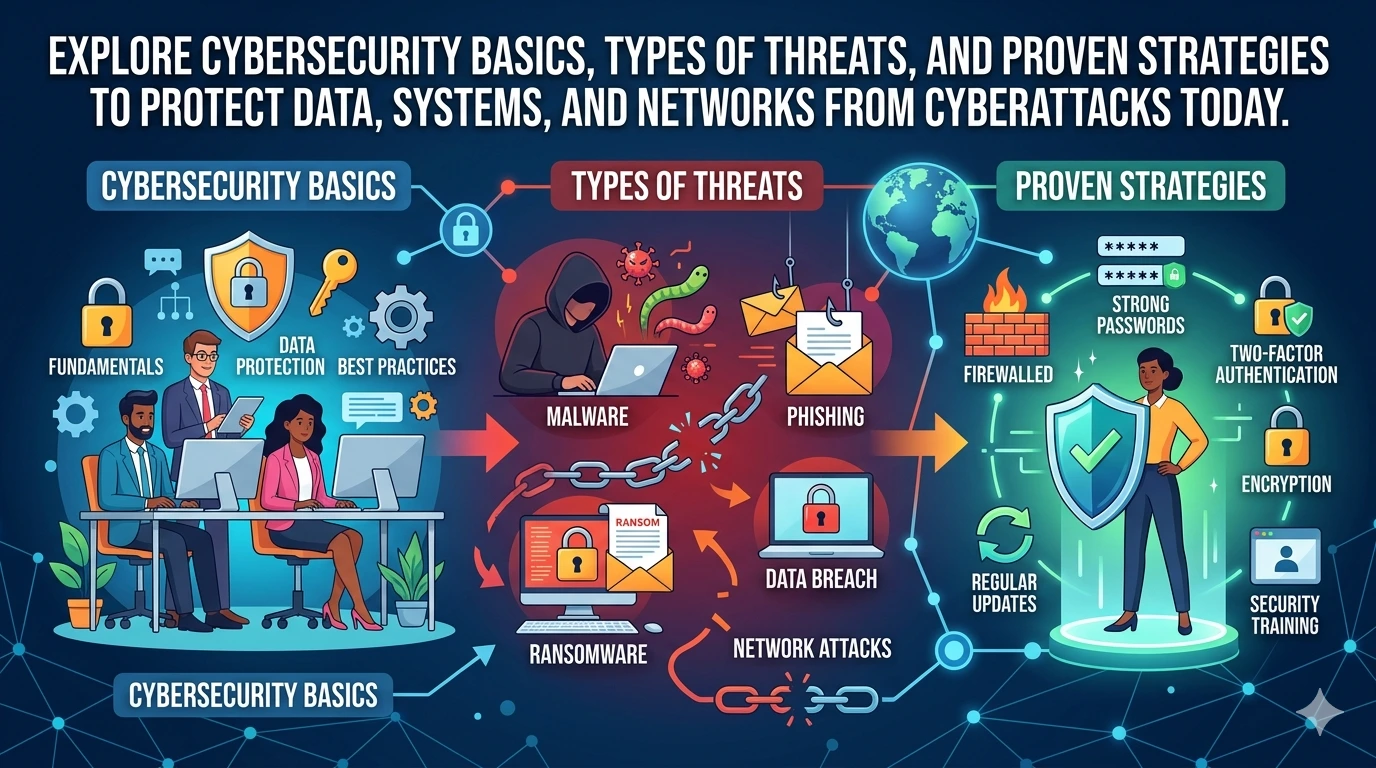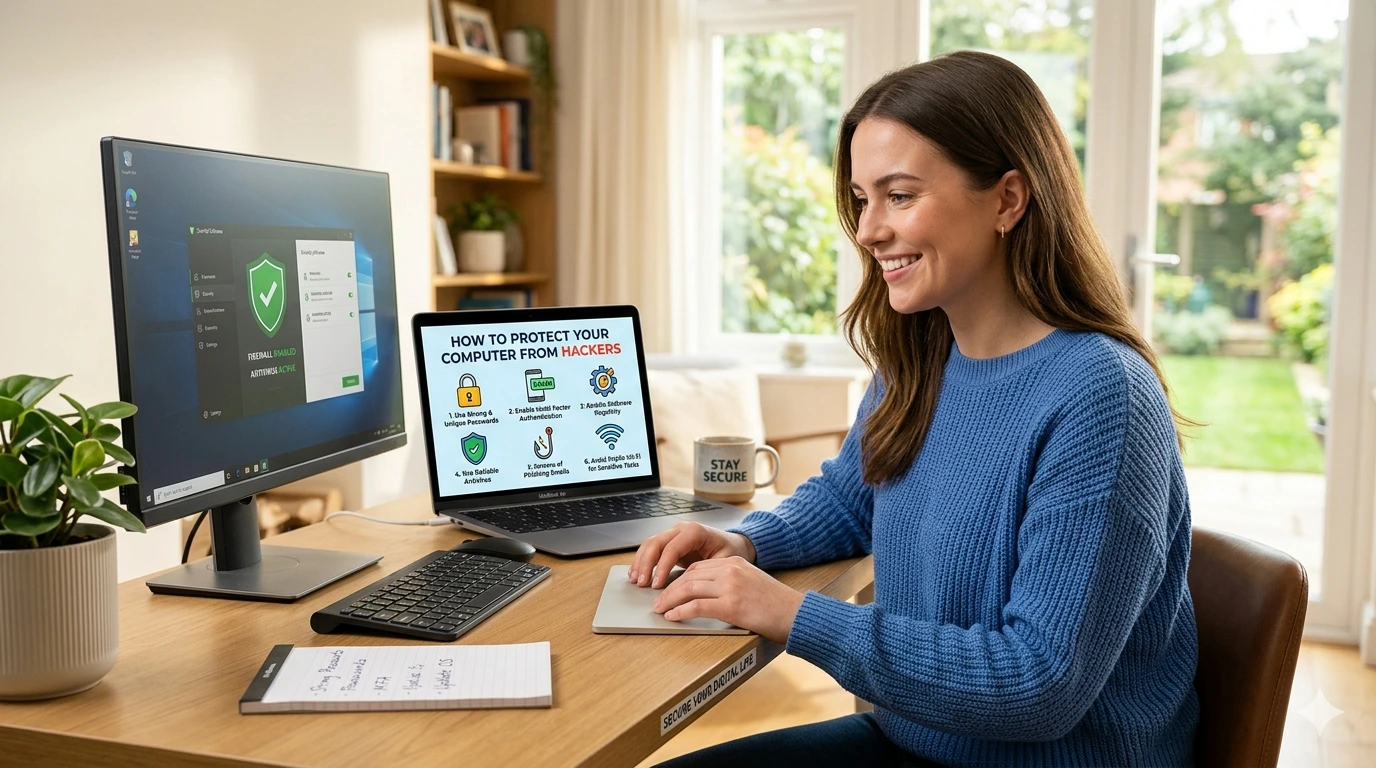
Protect Your Computer from Hackers is one of the most important steps you can take in today’s digital world. With cyber threats constantly evolving, even basic precautions can make a huge difference in keeping your data safe.
This tutorial will walk you through practical, easy-to-follow steps to secure your system effectively.
Understanding the Risk of Hacking
Hacking refers to unauthorized access to a computer system. Cybercriminals exploit vulnerabilities to steal data, install malware, or disrupt operations.
Common targets include:
- Personal files
- Banking details
- Login credentials
- Business data
Understanding these risks is the first step to building strong protection.
Use Strong and Unique Passwords
Passwords are your first line of defense.
Best Practices
- Use at least 12–16 characters
- Combine uppercase, lowercase, numbers, and symbols
- Avoid personal information
- Never reuse passwords
Use a Password Manager
Tools like LastPass or 1Password help generate and store secure passwords.
Enable Two-Factor Authentication (2FA)
Two-factor authentication adds an extra layer of security.
How It Works
After entering your password, you must verify your identity using:
- A mobile code
- Authentication app
- Biometric verification
This makes it significantly harder for hackers to gain access.
Install Reliable Antivirus Software
Antivirus software detects and removes threats before they cause damage.
Recommended Tools
- Bitdefender
- Norton 360
These tools provide real-time protection and regular system scans.
Keep Your Software Updated
Outdated software is a major security risk.
Why Updates Matter
- Fix security vulnerabilities
- Improve system performance
- Protect against new threats
Enable automatic updates whenever possible.
Use a Firewall for Network Protection
A firewall acts as a barrier between your system and external threats.
Benefits
- Blocks unauthorized access
- Monitors network traffic
- Prevents malicious connections
Most operating systems include built-in firewalls—ensure they are turned on.
Practice Safe Internet Browsing
Unsafe browsing habits are a common cause of hacking.
Tips for Safe Browsing
- Avoid clicking unknown links
- Check website URLs carefully
- Only download from trusted sources
Using secure browsers like Mozilla Firefox or Google Chrome adds extra protection.
Secure Your Wi-Fi Network
An unsecured network is an easy target for hackers.
Steps to Secure Wi-Fi
- Use strong encryption (WPA3 if available)
- Change default router passwords
- Hide your network SSID
Use a VPN
VPNs encrypt your internet traffic. Popular options include:
- NordVPN
- ExpressVPN
Be Careful with Emails and Attachments
Phishing attacks often come through email.
Warning Signs
- Unknown sender
- Urgent messages
- Suspicious attachments
- Fake links
Always verify before clicking or downloading anything.
Backup Your Data Regularly
Backups protect you from data loss due to hacking or ransomware.
Backup Options
- External hard drives
- Cloud storage
- Automatic backup systems
Recognize Signs of a Hacked Computer
Watch for these warning signs:
- Slow performance
- Unknown programs
- Frequent crashes
- Unauthorized account activity
If you notice these, act immediately.
Advanced Security Tips
For stronger protection:
- Use encryption tools
- Monitor login activity
- Limit app permissions
- Disable unused services
Common Mistakes to Avoid
Avoid these errors:
- Weak passwords
- Ignoring updates
- Clicking suspicious links
- Disabling security tools
Frequently Asked Questions (FAQs)
1. What is the easiest way to protect your computer from hackers?
Using strong passwords and enabling two-factor authentication is the simplest and most effective method.
2. Do I need antivirus software in 2026?
Yes, antivirus software is still essential for detecting modern threats.
3. Is public Wi-Fi safe to use?
Public Wi-Fi is risky. Always use a VPN when accessing sensitive data.
4. How often should I update my computer?
Update your system as soon as updates are available.
5. Can hackers access my computer remotely?
Yes, if your system is vulnerable or infected with malware.
6. What should I do if my computer is hacked?
Disconnect from the internet, run antivirus scans, and change all passwords immediately.
Conclusion
To Protect Your Computer from Hackers, you need a combination of smart habits and reliable tools. By using strong passwords, enabling 2FA, keeping your system updated, and practicing safe browsing, you can significantly reduce your risk.
Cybersecurity is an ongoing process. Stay informed, stay cautious, and take action today to protect your digital life.