
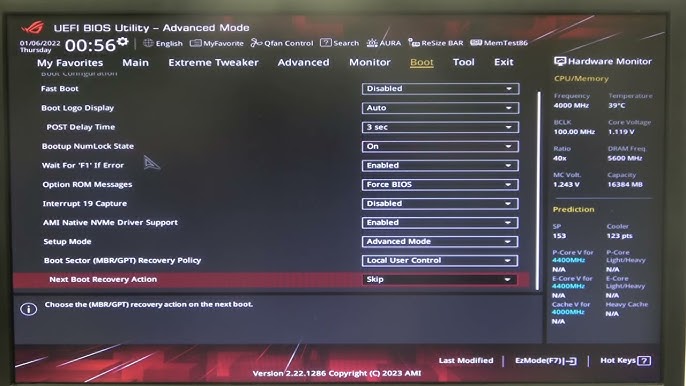
How to Enable or Disable Fast Boot in UEFI/BIOS on Windows
Fast Boot is a feature designed to reduce the time it takes for your computer to start up. Found in…
Read more »
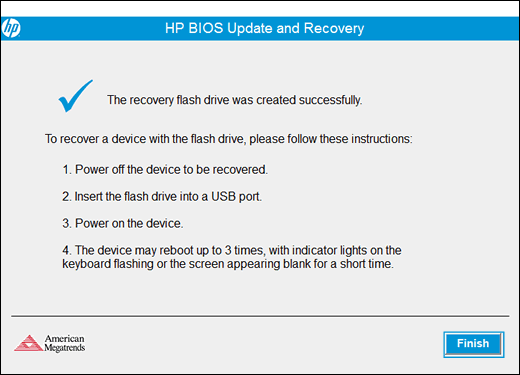
How to Recover BIOS on HP, ASUS, and Dell Computers
The BIOS (Basic Input/Output System) is one of the most critical components of any computer. It initializes hardware, manages system…
Read more »
How to Reset BIOS Settings to Default on a Windows Computer
Resetting your BIOS (Basic Input/Output System) to its default settings can solve a wide range of computer issues, from boot…
Read more »
How to Create a Microsoft Account: Step-by-Step Guide
In today’s digital world, having a centralized account to access multiple services is essential. A Microsoft account is one of…
Read more »
What Is TAInstaller.exe and Is It Safe to Use
If you’ve noticed a file named TAInstaller.exe running on your computer, you might be wondering whether it’s safe or something…
Read more »
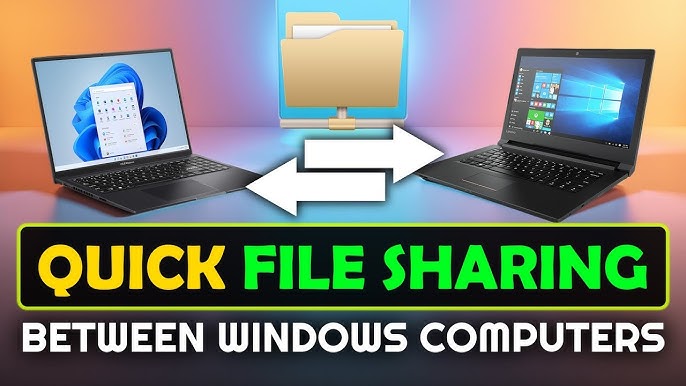
How to Share Folders Between Windows Computers Easily
Sharing files between computers on the same network is a common need in homes, offices, and small businesses. Whether you…
Read more »
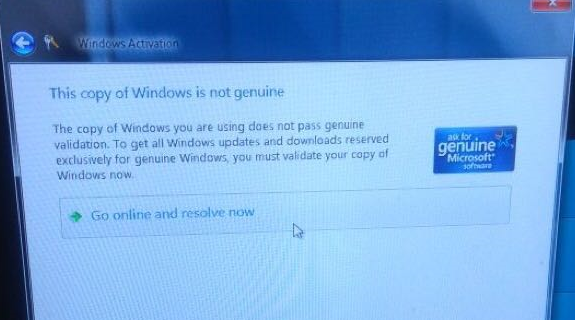
Fix “This Copy of Windows Is Not Genuine” Error
Seeing the message “This copy of Windows is not genuine” on your screen can be frustrating and concerning. It not…
Read more »
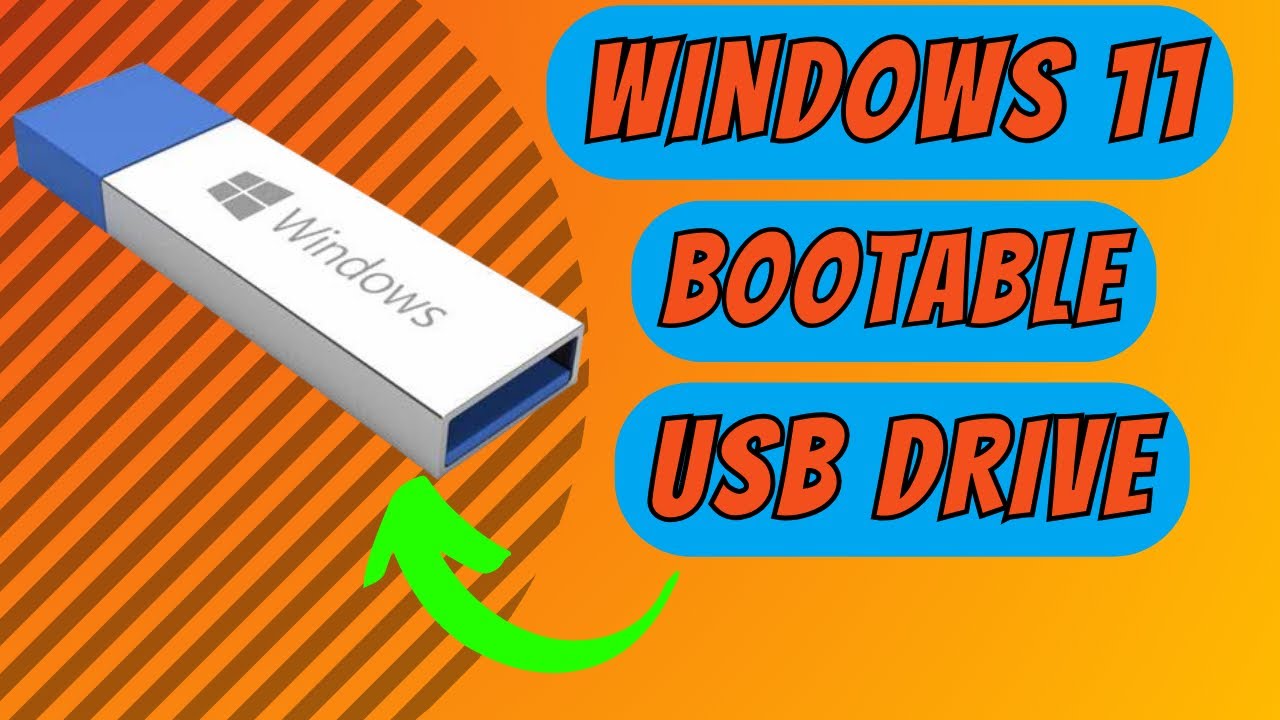
Create Windows Bootable USB or DVD Easily Today
Creating a Windows bootable USB or DVD is an essential skill for anyone who wants to install, reinstall, or repair…
Read more »
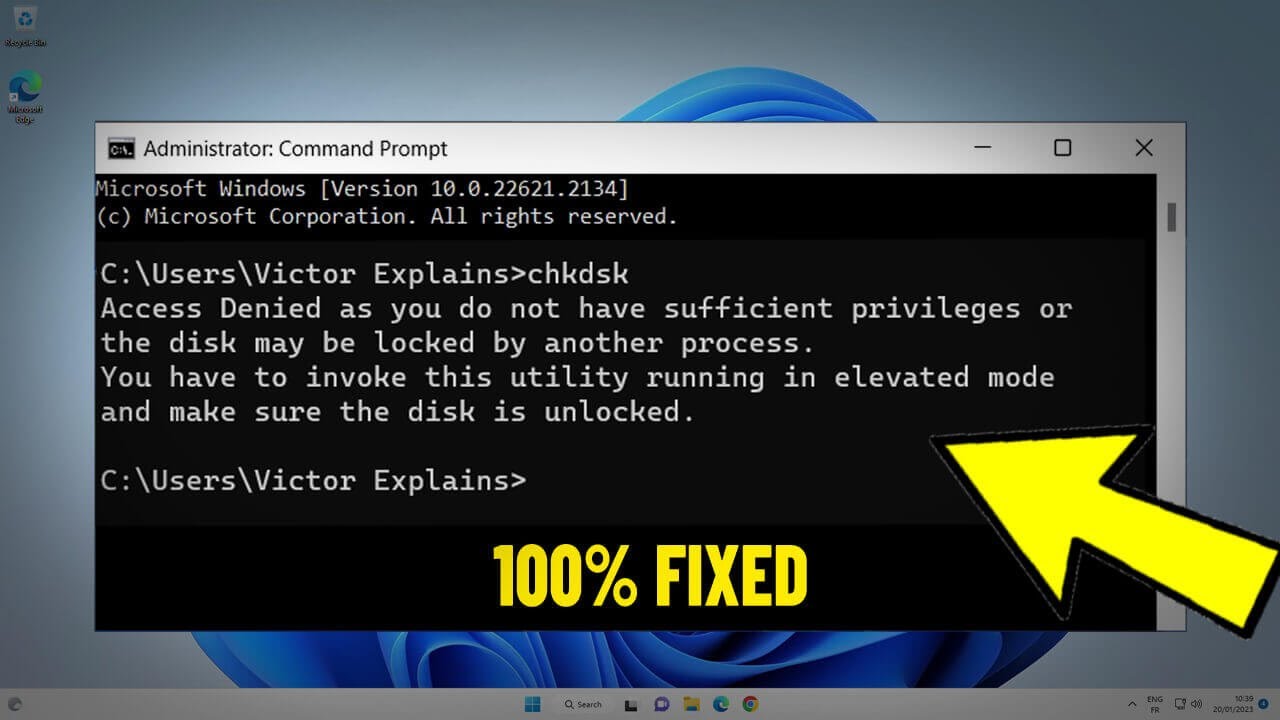
How to Run CHKDSK on Reboot to Fix Disk Errors Fast
Hard drive errors can cause slow performance, system crashes, and even data loss if left unresolved. Fortunately, Windows provides a…
Read more »
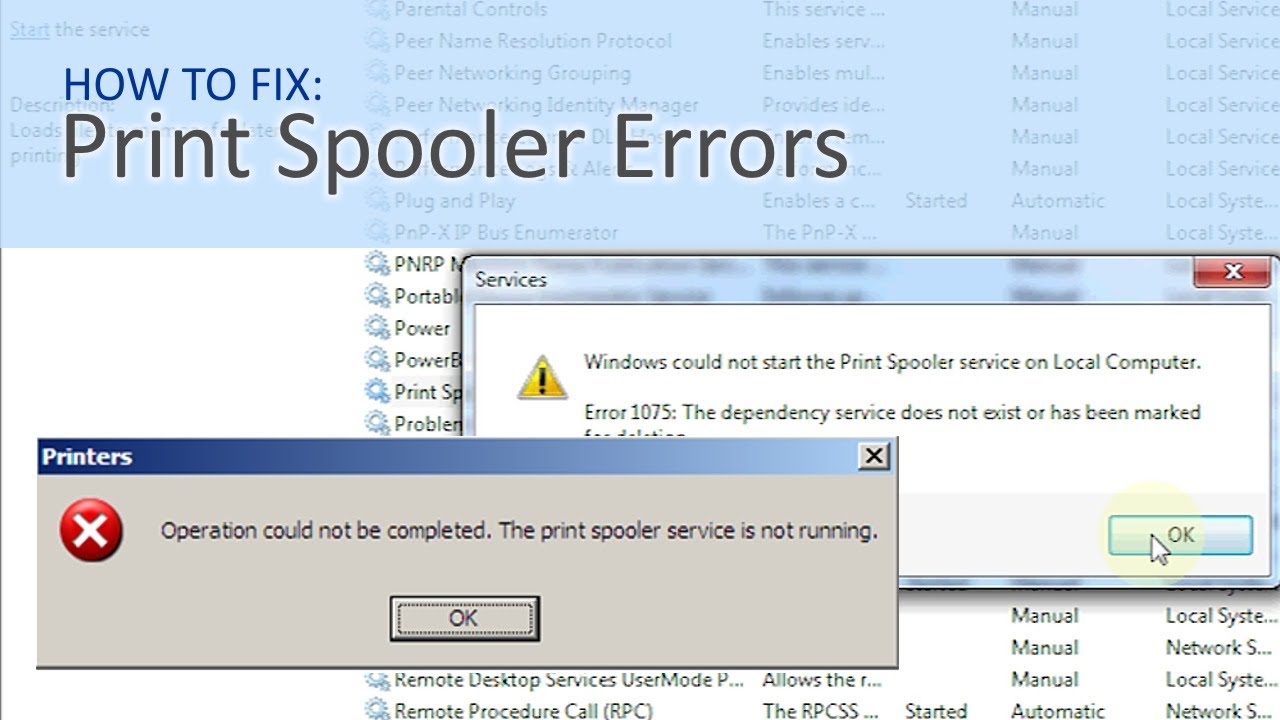
Fix Printer Spooler Service Not Running Error Fast
Printing documents is a basic yet essential task for both home and office users. However, encountering the error “The local…
Read more »