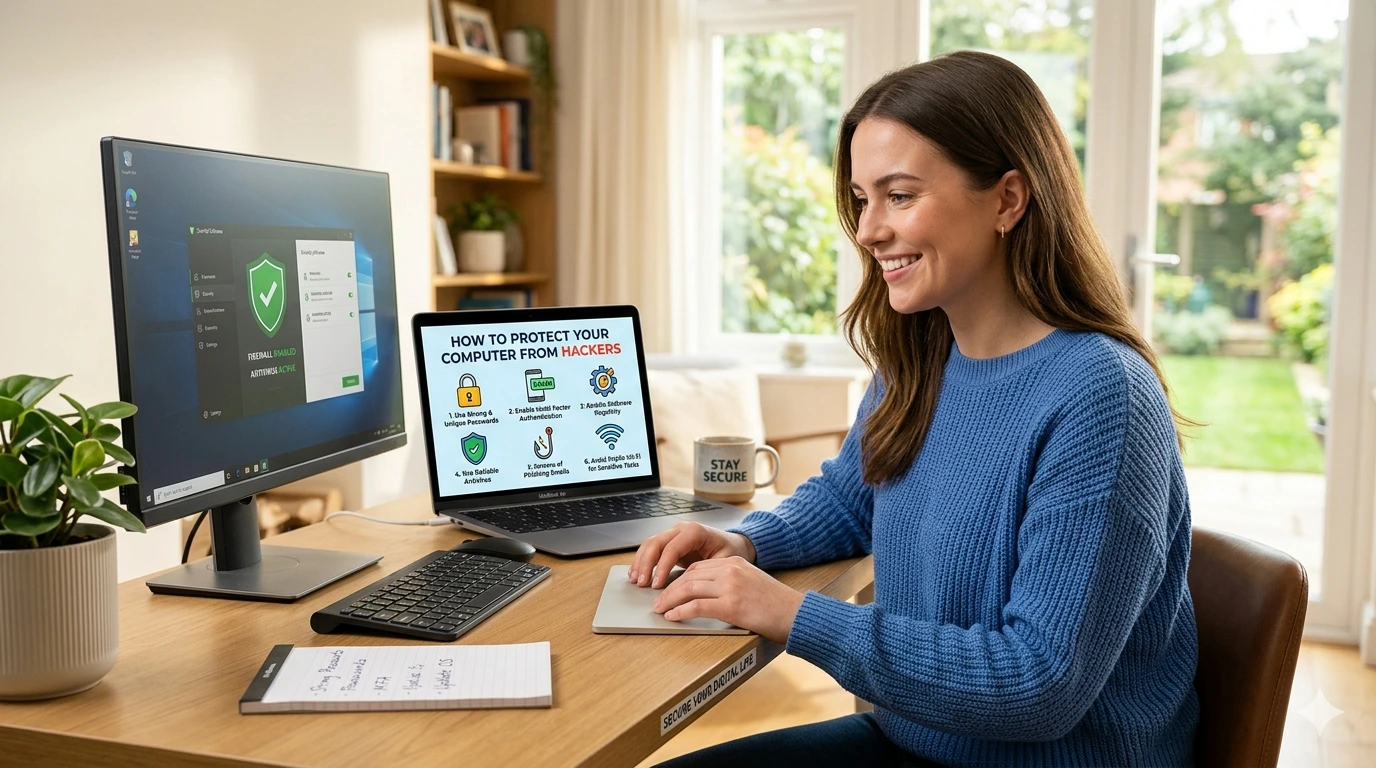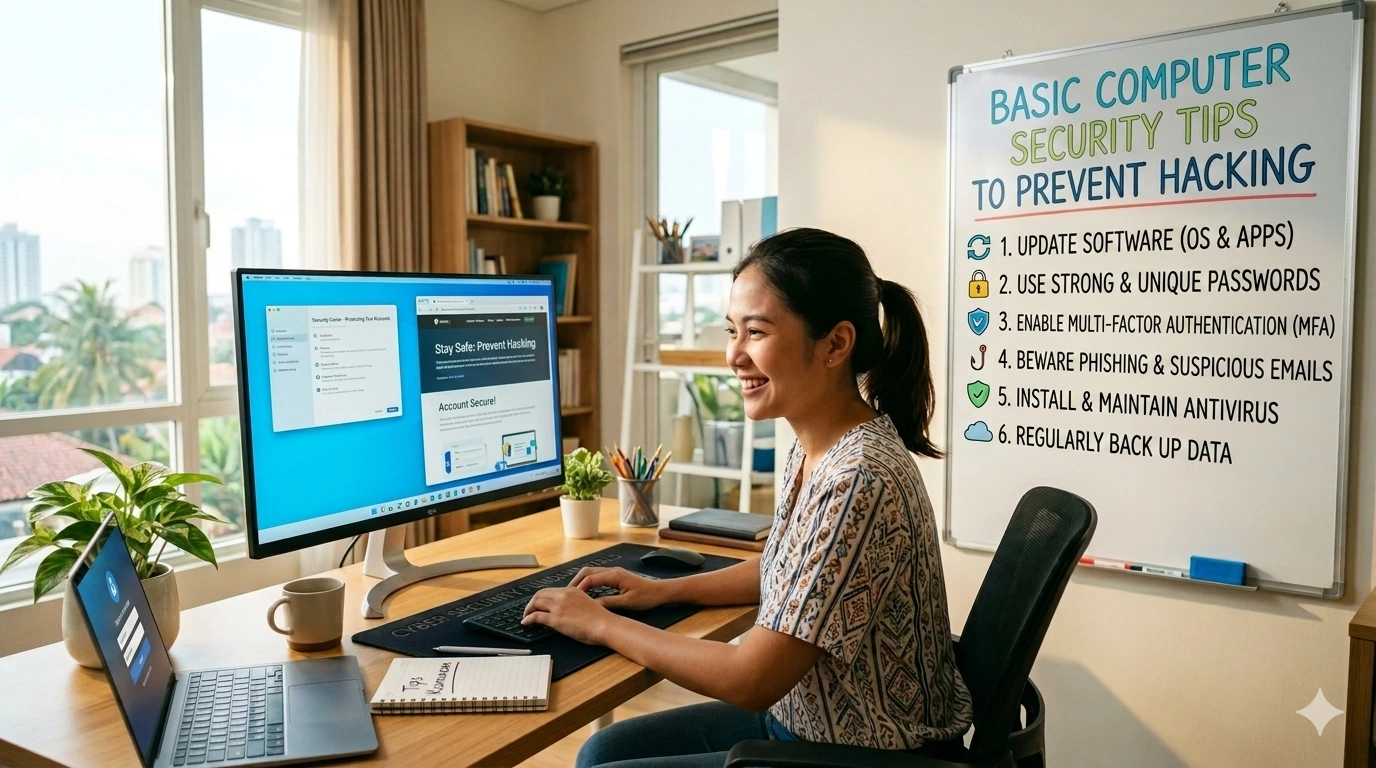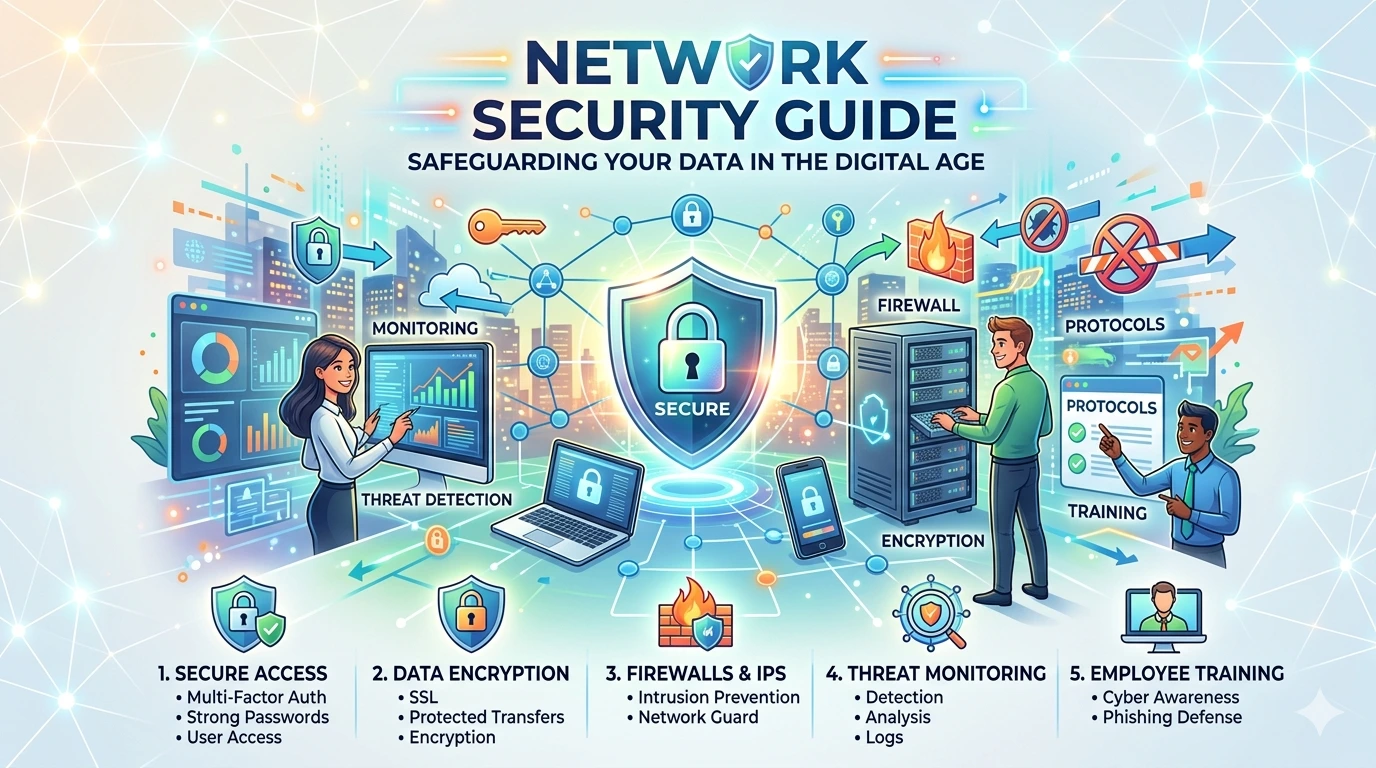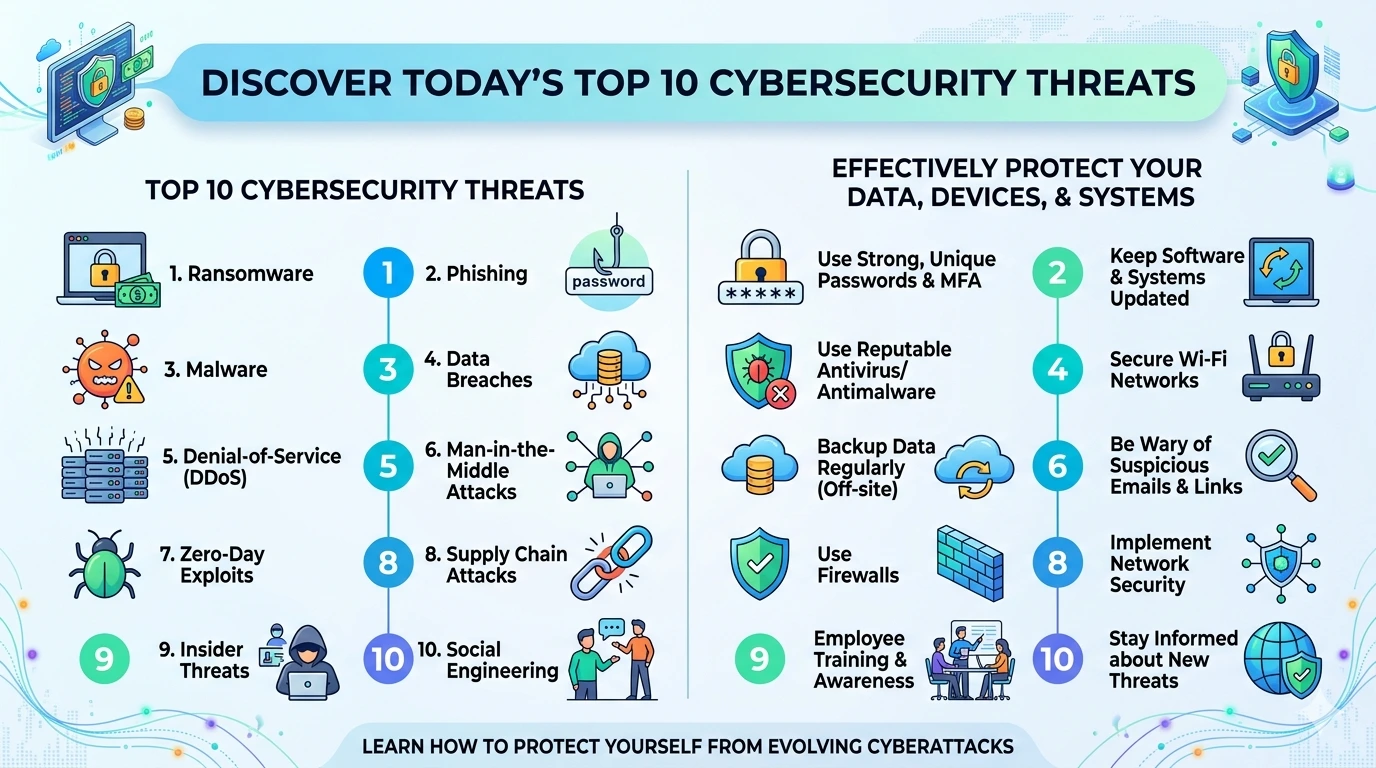
Understanding simple ways to secure your computer from hackers is essential in today’s digital world. Cyber threats are constantly evolving, and even a small vulnerability can expose your personal data, financial information, or sensitive files. The good news is that you don’t need advanced technical skills to stay protected. By applying a few practical strategies, you can significantly reduce the risk of hacking attempts.
👉 How to Protect Your Computer from Hackers
This guide covers easy, effective steps that anyone can follow to improve computer security.
Why Computer Security Matters
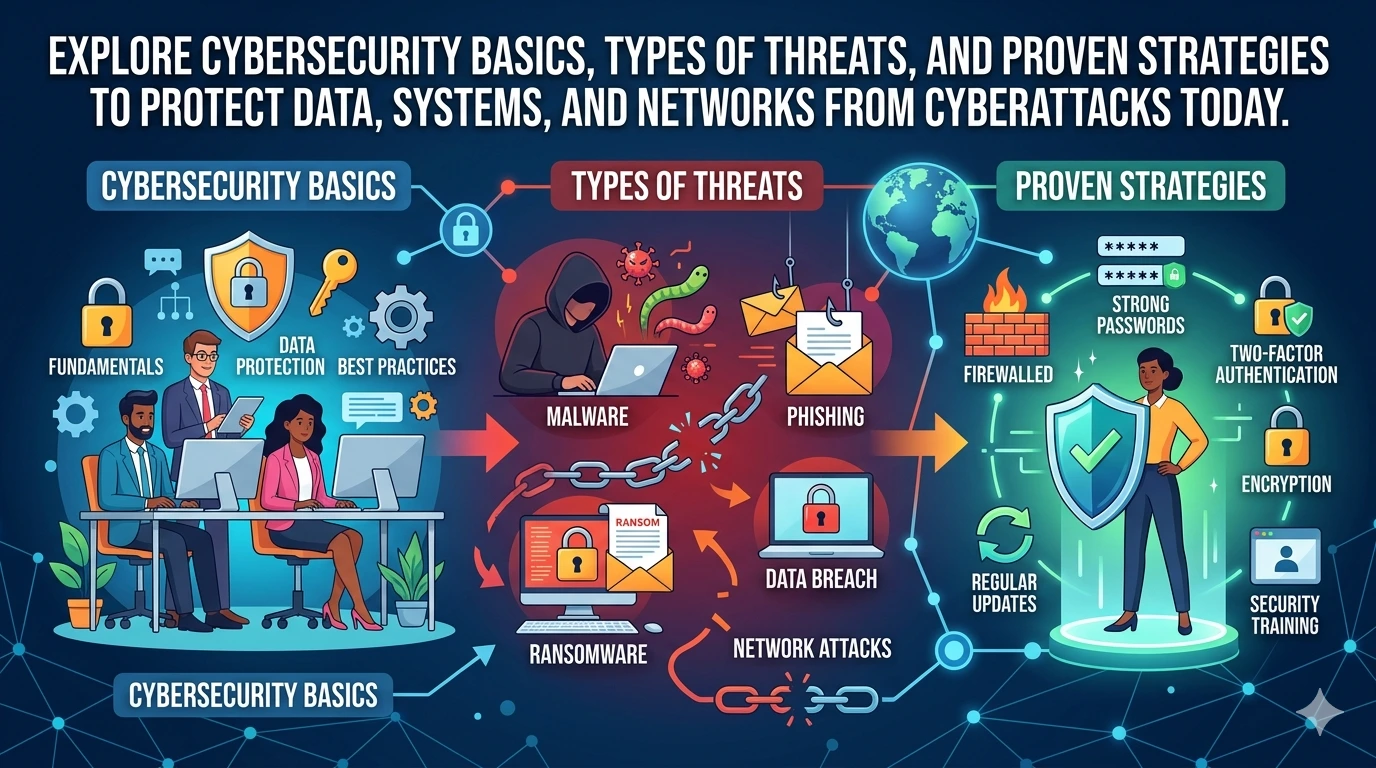
Hackers target both individuals and businesses. Common threats include:
- Malware and ransomware
- Phishing attacks
- Password theft
- Remote access exploits
Failing to secure your system can lead to identity theft, financial loss, or data breaches.
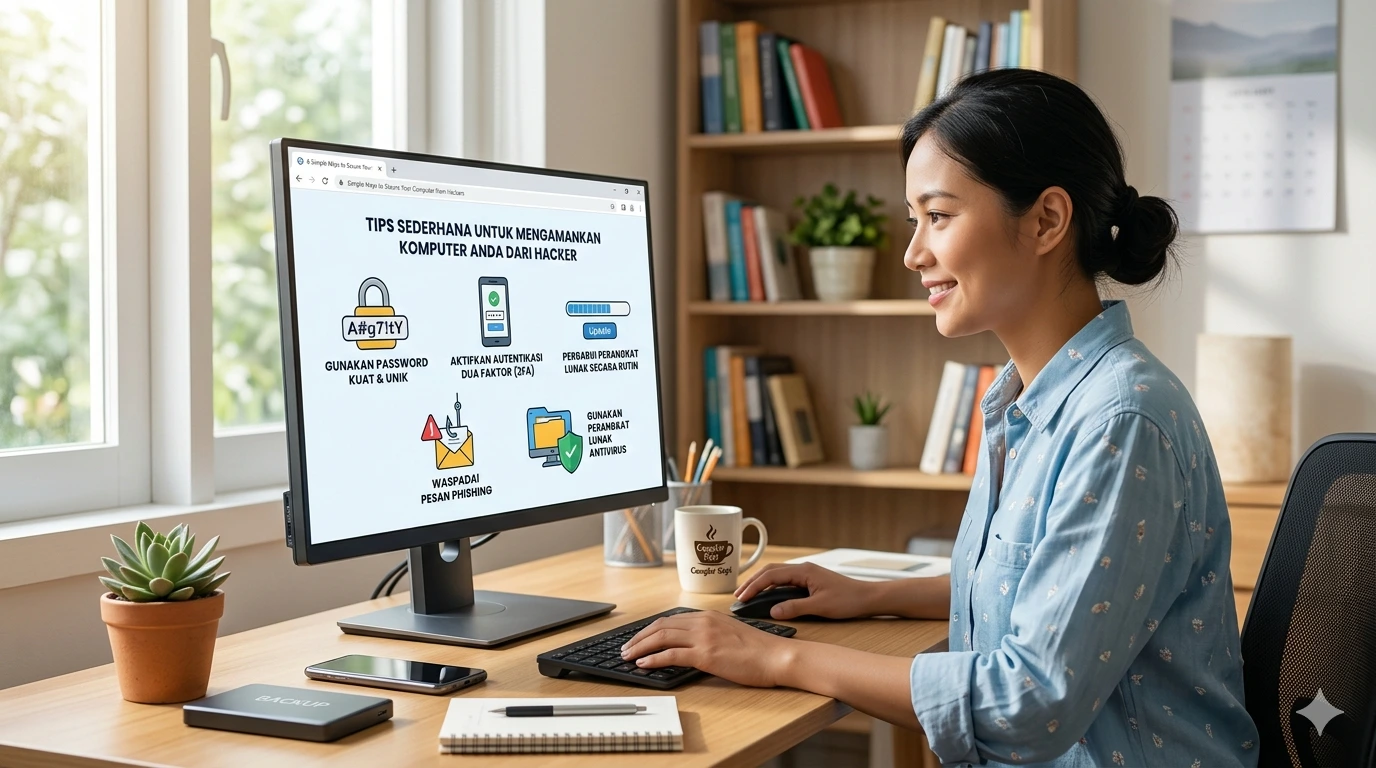
1. Use Strong and Unique Passwords
One of the most simple ways to secure your computer from hackers is using strong passwords.
Best practices:
- Use at least 12–16 characters
- Combine uppercase, lowercase, numbers, and symbols
- Avoid personal information
- Use different passwords for each account
Consider using a password manager to store credentials securely.
2. Enable Two-Factor Authentication (2FA)
Two-factor authentication adds an extra security layer.
Even if hackers steal your password, they still need a second verification step, such as:
- SMS codes
- Authentication apps
- Hardware security keys
3. Keep Your Software Updated
Outdated software is one of the biggest security risks.
Always update:
- Operating system
- Browser
- Antivirus software
- Installed applications
Updates often include critical security patches that fix vulnerabilities.
4. Install Reliable Antivirus and Firewall
A strong security setup includes:
- Antivirus software for detecting threats
- Firewall for blocking unauthorized access
These tools act as your first line of defense against malicious attacks.
5. Avoid Suspicious Emails and Links
Phishing is a common hacking method.
Stay safe by:
- Not clicking unknown links
- Avoiding attachments from unknown senders
- Checking email addresses carefully
Learn more about phishing prevention here:
https://consumer.ftc.gov/articles/how-recognize-and-avoid-phishing-scams
6. Use Secure Wi-Fi Connections
Public Wi-Fi networks are often unsecured.
Protect yourself:
- Avoid logging into sensitive accounts on public Wi-Fi
- Use a VPN for encryption
- Secure your home Wi-Fi with a strong password
7. Backup Your Data Regularly
Backups protect your data in case of ransomware or system failure.
Recommended methods:
- External hard drives
- Cloud storage
More about data backup strategies:
https://www.cisa.gov/secure-our-world/backups
8. Limit Admin Privileges
Avoid using administrator accounts for daily tasks.
This reduces the risk of malware gaining full control of your system.
9. Disable Unnecessary Features
Turn off features you don’t use, such as:
- Remote desktop access
- File sharing
- Bluetooth (when not needed)
This minimizes potential entry points for hackers.
10. Monitor System Activity
Keep an eye on unusual behavior:
- Slow performance
- Unknown programs
- Unexpected pop-ups
These can indicate a security breach.
Frequently Asked Questions
1. What is the easiest way to protect my computer from hackers?
Using strong passwords and enabling two-factor authentication are the easiest and most effective steps.
2. Do I really need antivirus software?
Yes, antivirus software helps detect and remove threats before they damage your system.
3. Is public Wi-Fi dangerous?
Yes, public Wi-Fi can expose your data. Use a VPN or avoid accessing sensitive accounts on such networks.
4. How often should I update my computer?
You should enable automatic updates or check for updates at least once a week.
5. Can hackers access my computer without internet?
It is unlikely, but threats like infected USB drives can still pose risks.
Conclusion
Applying these simple ways to secure your computer from hackers can dramatically improve your digital safety. You don’t need advanced cybersecurity knowledge—just consistent habits and awareness.
By using strong passwords, keeping software updated, avoiding suspicious links, and backing up your data, you create a solid defense against most cyber threats.
Start implementing these steps today to protect your system and personal information from hackers.