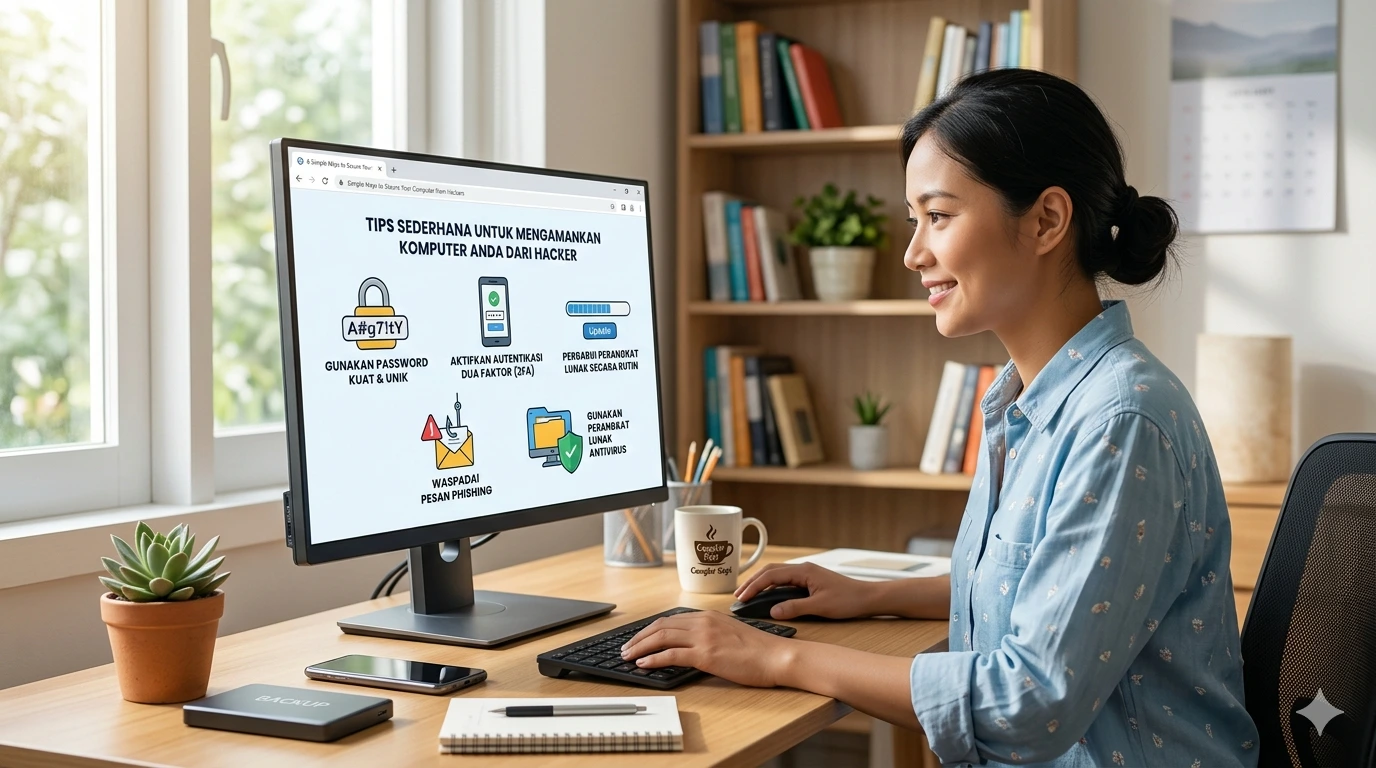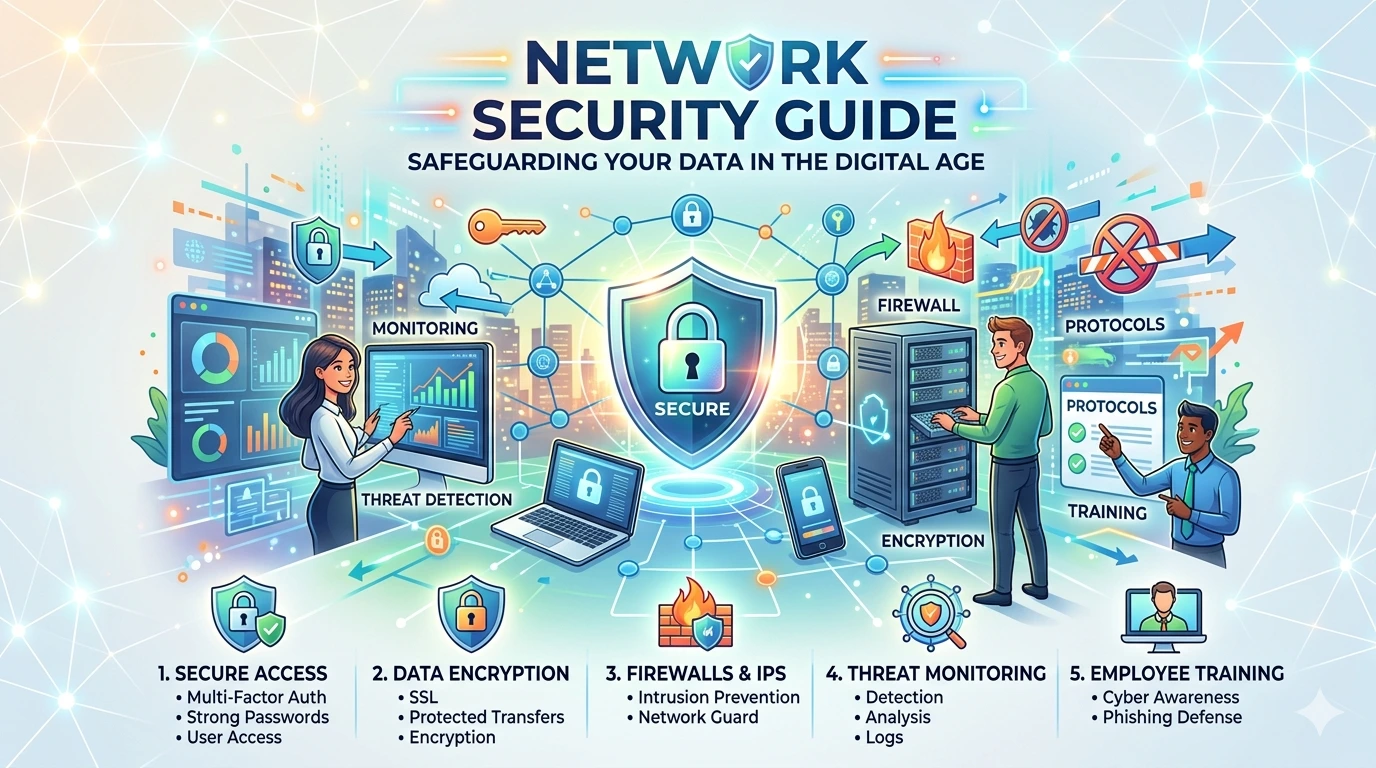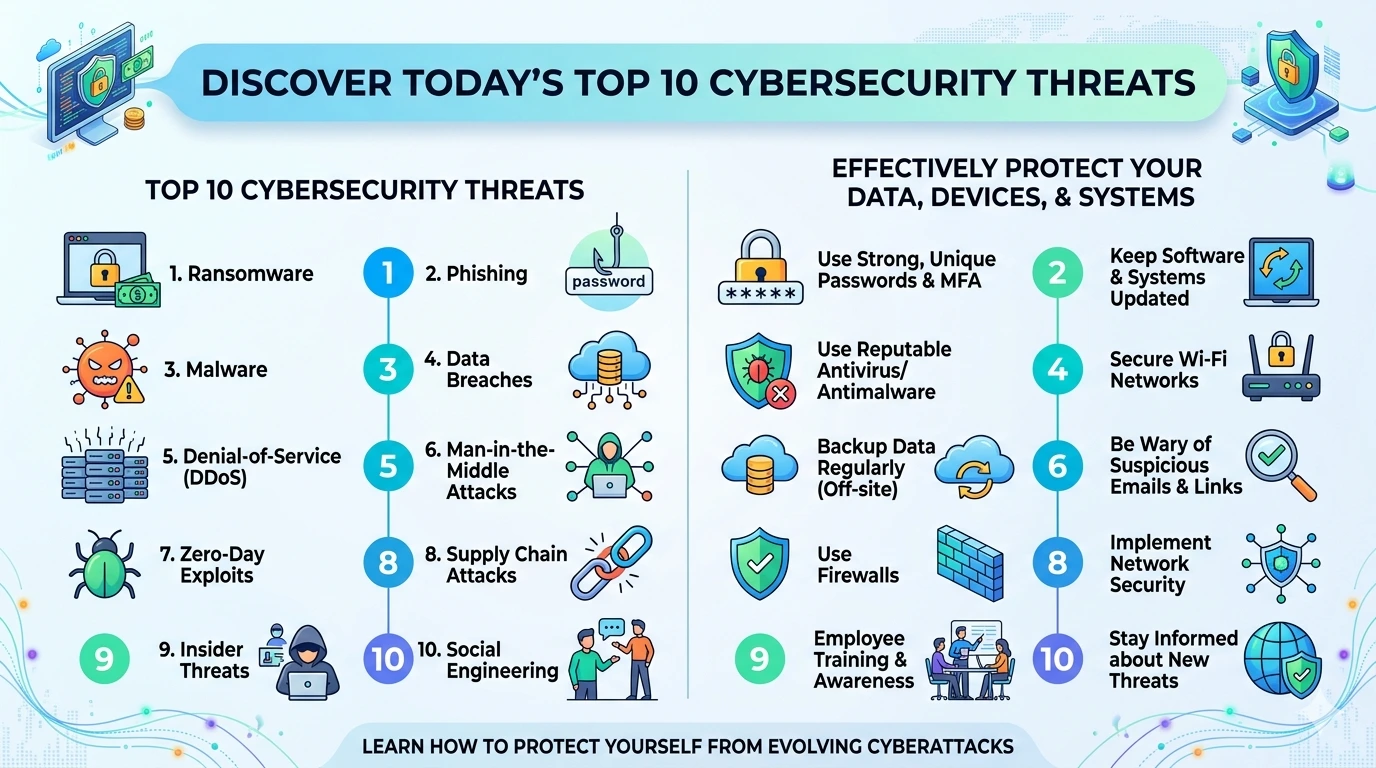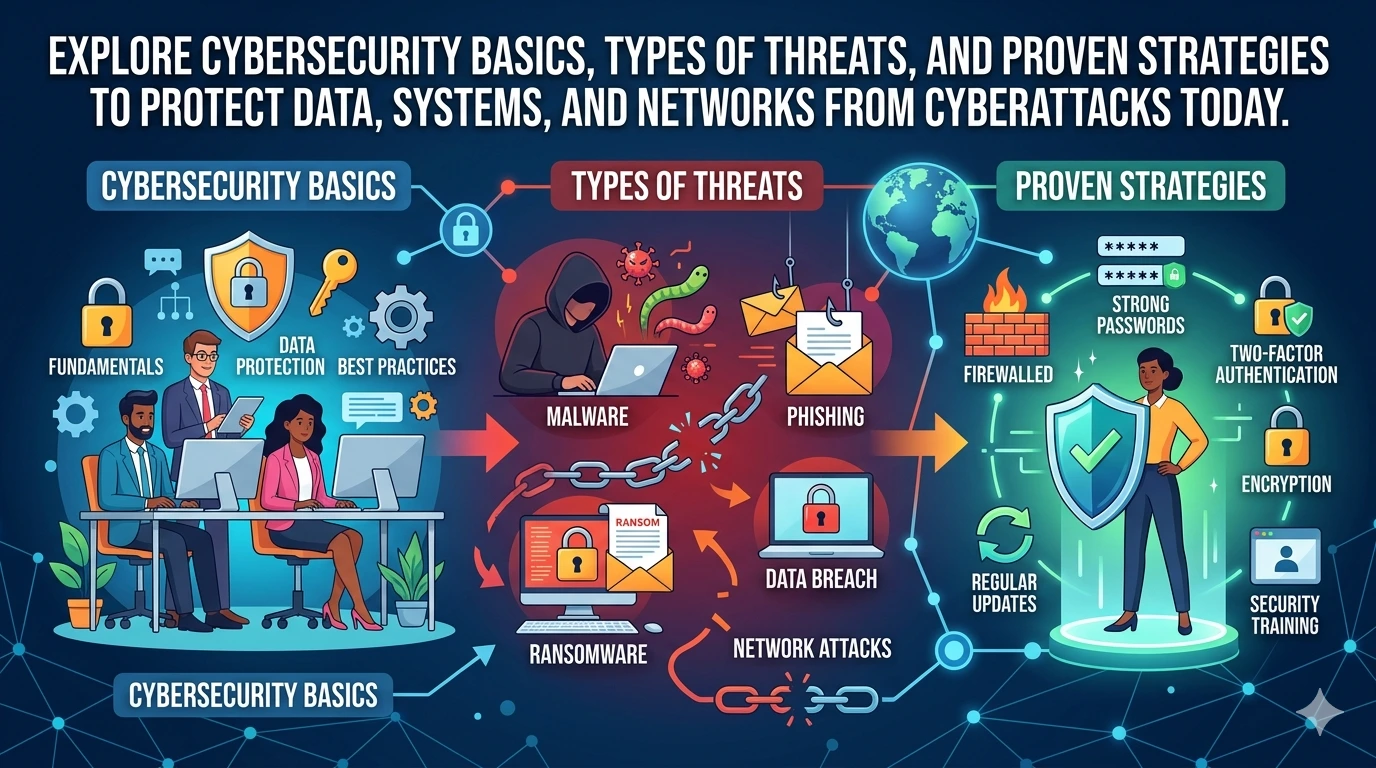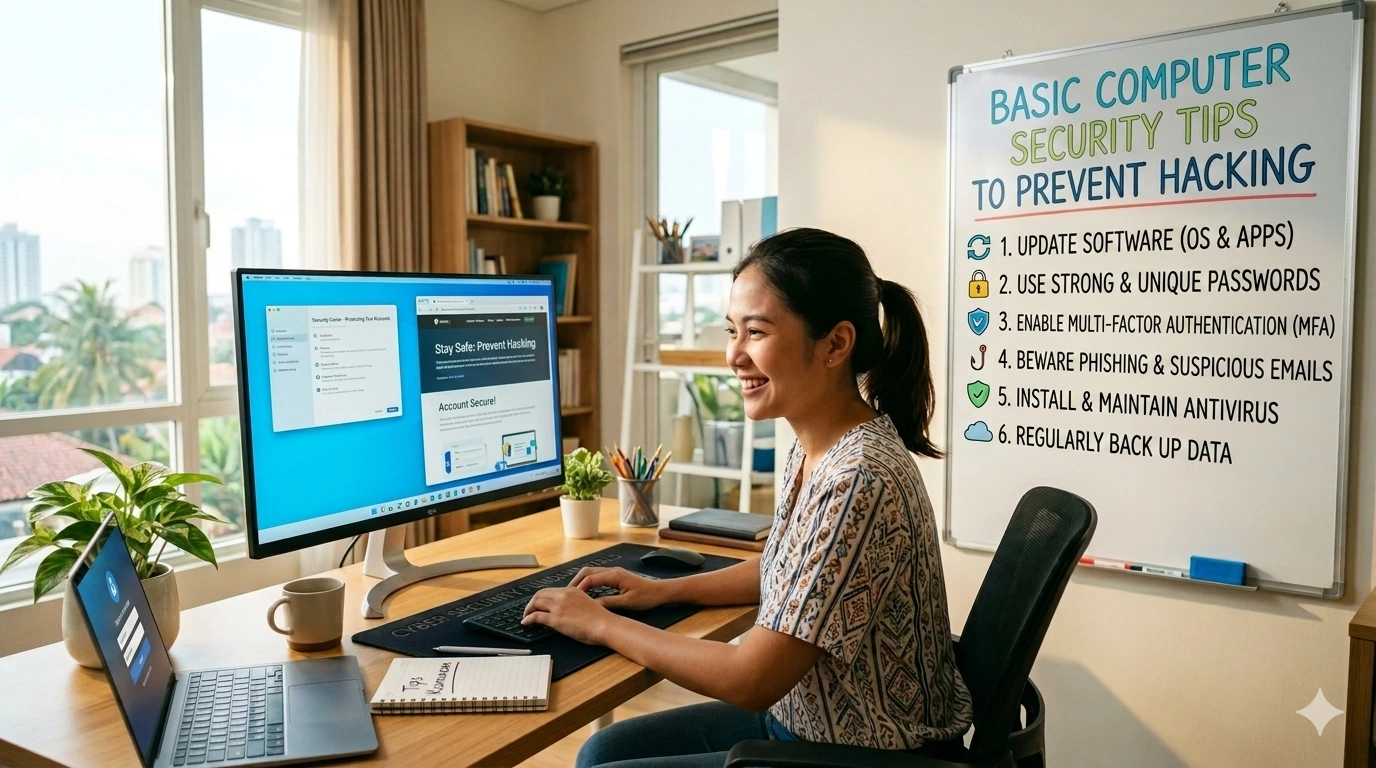
Learning basic computer security tips to prevent hacking is essential for anyone using the internet today. Cybercriminals constantly search for weak systems, and even small security gaps can lead to serious problems like data theft or malware infections.
If you want a complete security foundation, check this pillar guide:
How to Protect Your Computer from Hackers
This article focuses on practical and easy-to-follow steps you can apply immediately to strengthen your computer’s defenses.
Why You Need Basic Computer Security Tips to Prevent Hacking
Understanding basic computer security tips to prevent hacking helps you:
- Protect personal and financial data
- Avoid malware and ransomware attacks
- Prevent unauthorized system access
- Maintain system performance and stability
Even beginners can significantly improve security by following simple habits.
1. Keep Your Operating System Updated
One of the most important basic computer security tips to prevent hacking is updating your system regularly.
Updates fix:
- Security vulnerabilities
- Bugs and system errors
- Compatibility issues
Enable automatic updates to stay protected without manual effort.
2. Use Antivirus and Firewall Protection
Security software is your first defense layer.
You should:
- Install trusted antivirus software
- Enable built-in firewall protection
- Run regular system scans
These tools help detect and block malicious threats before they cause damage.
3. Create Strong Passwords for All Accounts
Weak passwords are one of the easiest ways hackers gain access.
Follow these tips:
- Use long and complex passwords
- Avoid using the same password repeatedly
- Change passwords periodically
A password manager can help you manage multiple secure passwords easily.
4. Be Careful with Emails and Downloads
Phishing attacks are designed to trick users.
Stay safe by:
- Avoiding suspicious email links
- Not downloading unknown attachments
- Verifying sender identities
Learn more about phishing protection here:
Phishing scam prevention guide
5. Secure Your Internet Connection
Your network is a key entry point for hackers.
Improve network security:
- Use strong Wi-Fi passwords
- Enable WPA3 or WPA2 encryption
- Avoid public Wi-Fi for sensitive tasks
For additional guidance:
Secure your home network tips
6. Backup Important Files Regularly
Backups protect your data against ransomware or system failure.
Recommended options:
- External storage devices
- Cloud backup services
Always keep at least one backup offline.
7. Limit Software and App Installations
Installing too many programs increases risk.
Best practices:
- Download only from official sources
- Remove unused software
- Avoid pirated applications
Fewer applications mean fewer vulnerabilities.
8. Disable Unnecessary System Features
Reducing exposure lowers risk.
Turn off:
- Remote desktop access
- File sharing (if unused)
- Bluetooth when not needed
This minimizes potential entry points for attackers.
9. Monitor Your Computer Activity
Unusual behavior can signal a security issue.
Watch for:
- Slow performance
- Unknown applications
- Unexpected pop-ups
Early detection helps prevent serious damage.
10. Educate Yourself About Cybersecurity
Staying informed is one of the smartest basic computer security tips to prevent hacking.
Follow trusted sources and keep learning about:
- New threats
- Security tools
- Best practices
Frequently Asked Questions
1. What are the most important basic computer security tips to prevent hacking?
The most important tips include using strong passwords, updating software, installing antivirus, and avoiding suspicious links.
2. Do I need both antivirus and firewall?
Yes, antivirus detects threats while a firewall blocks unauthorized access.
3. How often should I back up my data?
You should back up important files at least once a week or whenever major changes occur.
4. Is free antivirus software enough?
Free antivirus can provide basic protection, but paid versions often offer more advanced features.
5. Can hackers access my computer without my knowledge?
Yes, some attacks run silently in the background, which is why monitoring and security tools are essential.
Conclusion
Applying these basic computer security tips to prevent hacking can dramatically reduce your risk of cyberattacks. You don’t need to be a cybersecurity expert—simple actions like updating software, using strong passwords, and avoiding suspicious links can go a long way.
For a complete step-by-step guide, visit the main resource:
How to Protect Your Computer from Hackers
Start implementing these tips today to keep your data and system safe from hackers.