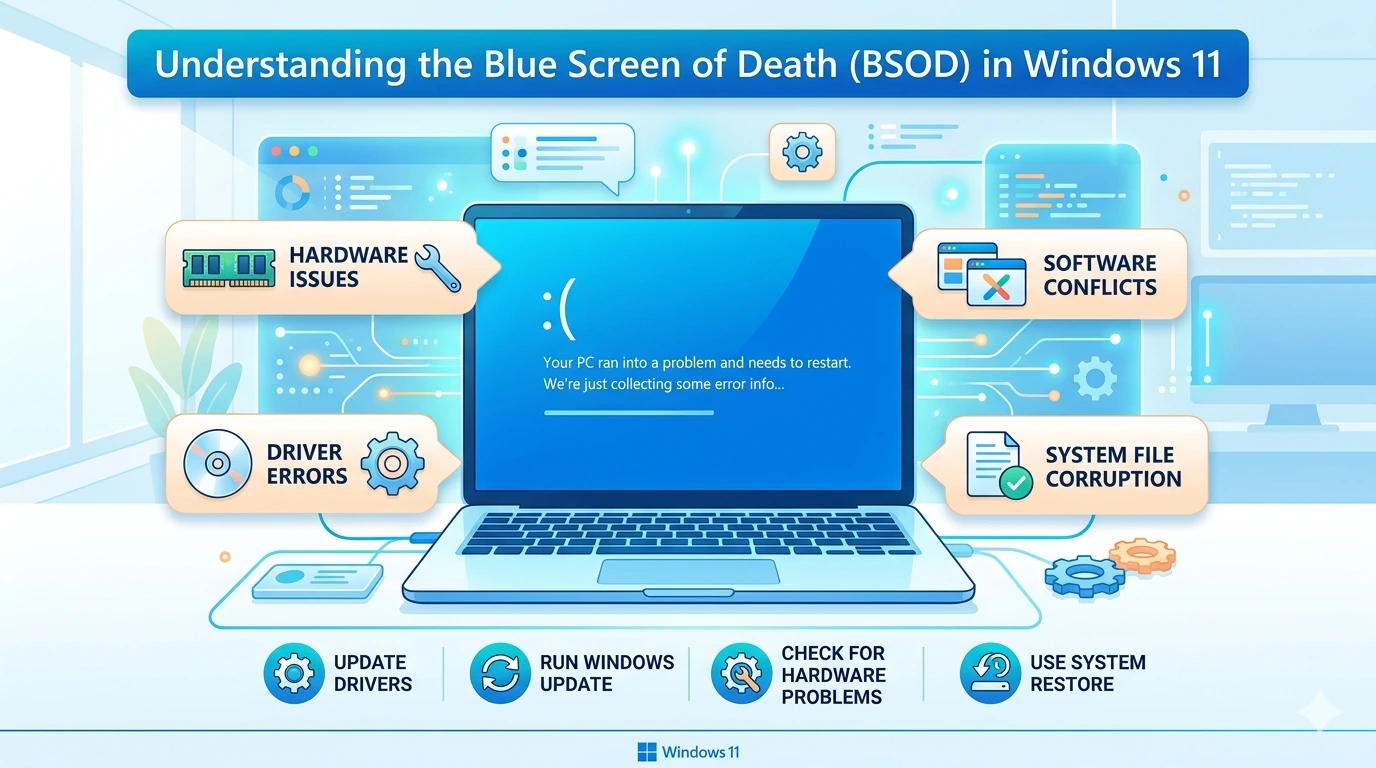
Understanding the Blue Screen of Death (BSOD) in Windows 11
Few things strike fear into the heart of a Windows user like the sudden appearance of the Blue Screen of Death (BSOD). One moment you

Troubleshooting Windows 11 begins with identifying the issue. Check error messages, performance drops, or unusual behavior using Task Manager and Event Viewer. Apply standard fixes: run Windows Update, update drivers via Device Manager, and repair system files with sfc /scannow or DISM. If problems persist, boot into Safe Mode or perform a Clean Boot to isolate conflicts. Hardware checks—like testing RAM or storage—may be necessary. Preventive steps include regular backups, antivirus protection, and avoiding unverified software. A structured approach ensures faster resolution and stable performance.
Few things strike fear into the heart of a Windows user like the sudden appearance of the Blue Screen of Death (BSOD). One moment you
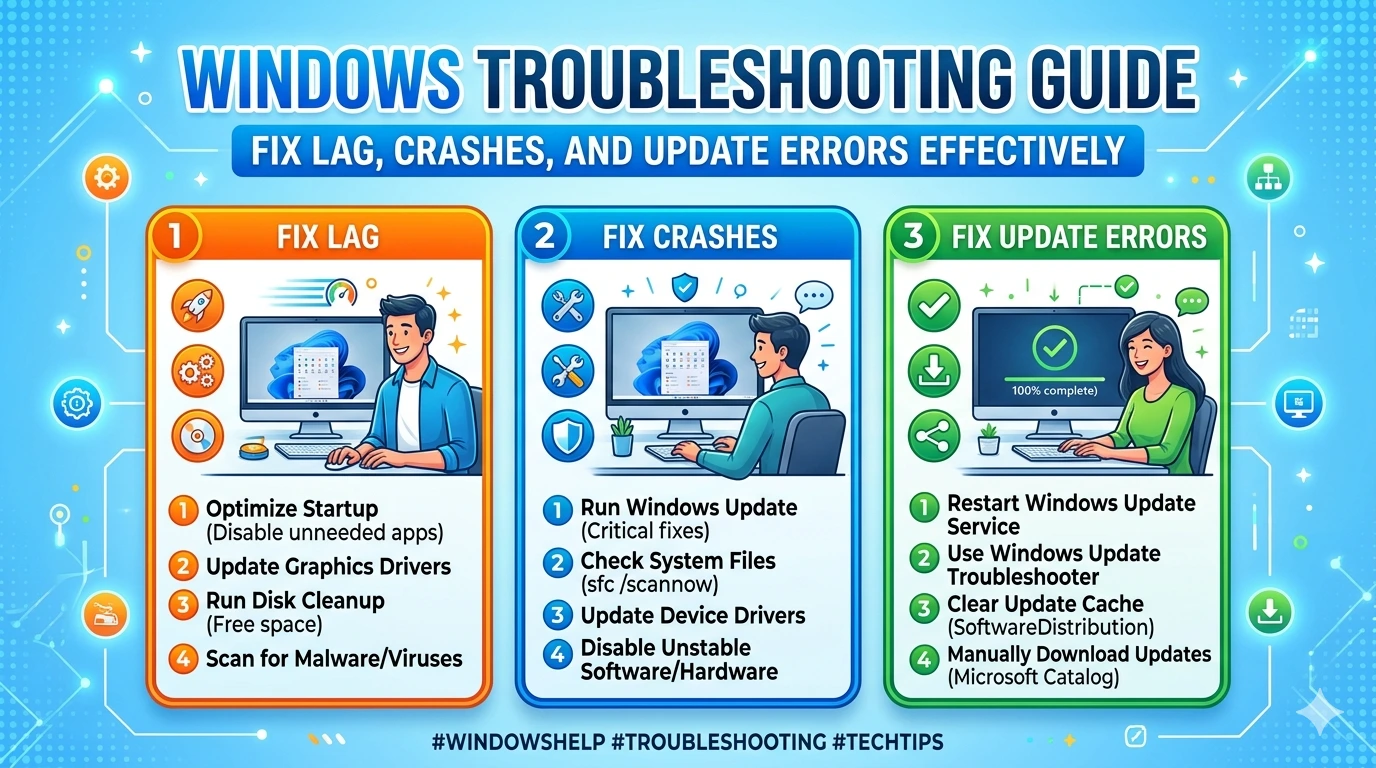
Troubleshooting is one of the most important skills for any Windows 11 user. While Microsoft has designed the operating system to be stable and efficient,