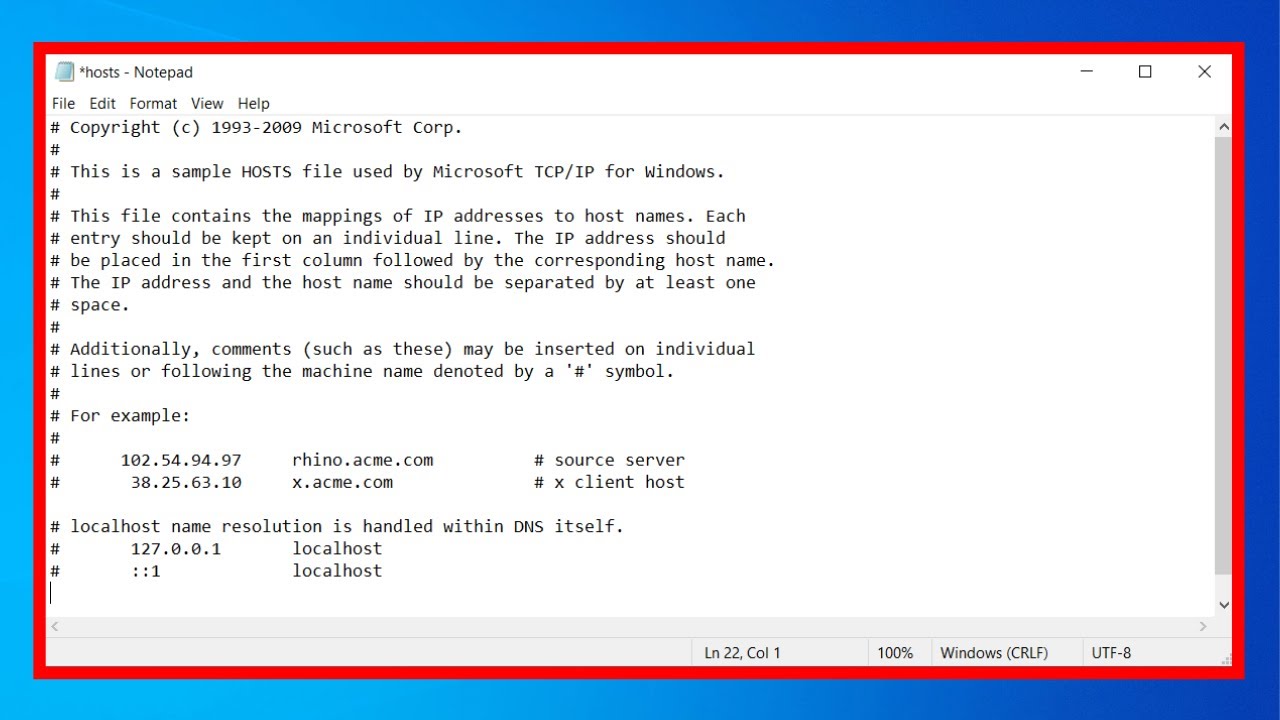
For decades, Notepad has been one of the simplest and most recognizable tools in Windows—a lightweight text editor designed for quick notes and plain text editing. However, Microsoft is now reimagining this classic app, pushing it far beyond its traditional role.
Recent developments suggest that Notepad is evolving into a more powerful and flexible editing tool. Among the most exciting changes are planned support for images and enhanced Markdown capabilities. Although these features have not been officially announced, evidence from Windows Insider builds—such as the appearance of an image icon in the Notepad toolbar—indicates that major updates are on the way.
In this in-depth guide, we’ll explore what these changes mean, how they could transform Notepad, and why this shift matters for both casual users and professionals.
The Evolution of Notepad
Notepad has been a core part of Windows since its earliest versions. Traditionally, it has been known for:
- Simplicity
- Speed
- Minimal system resource usage
- Plain text editing
For years, its functionality remained largely unchanged. However, in recent Windows updates, Microsoft has started modernizing Notepad with new features and improvements.
Why Microsoft Is Updating Notepad
The computing landscape has changed dramatically. Users now expect more from even basic tools.
Key Reasons for the Update:
- Demand for richer text editing features
- Growth of Markdown as a standard format
- Need for lightweight alternatives to full editors
- Integration with modern workflows
Microsoft’s goal appears to be striking a balance between simplicity and functionality.
Image Support in Notepad: What We Know
One of the most intriguing updates is the potential addition of image support.
Evidence from Insider Builds
Windows Insider users have noticed:
- A new image icon in the Notepad toolbar
- UI changes hinting at multimedia support
- Backend code suggesting upcoming functionality
Although the feature is not yet active, its presence strongly indicates future implementation.
What Image Support Could Mean
If implemented, image support could transform Notepad significantly.
Possible Features:
- Insert images directly into documents
- View images alongside text
- Basic image preview functionality
- Drag-and-drop support
Benefits of Image Integration
1. Richer Content Creation
Users could create documents that combine text and visuals.
2. Improved Note-Taking
Add diagrams, screenshots, or reference images.
3. Better Documentation
Developers and writers can include visual aids.
Markdown Support in Notepad
Another major upgrade is the introduction of Markdown support.
What Is Markdown?
Markdown is a lightweight markup language used to format text.
Example Syntax:
# Heading**Bold text***Italic text*- Lists
Why Markdown Matters
Markdown has become popular because it:
- Is easy to learn
- Works across platforms
- Converts easily to HTML
Notepad’s Markdown Capabilities
Recent updates suggest:
- Syntax recognition
- Basic formatting support
- Potential live preview features
Combining Images and Markdown
The addition of both image support and Markdown opens new possibilities.
Example Use Cases:
- Technical documentation
- Blog drafting
- Project notes
- Educational content
How Notepad Is Changing
These updates signal a shift in Notepad’s role.
From:
- Plain text editor
To:
- Lightweight content creation tool
Comparison with Other Editors
| Feature | Notepad (Old) | Notepad (New) | Advanced Editors |
|---|---|---|---|
| Text Editing | Basic | Enhanced | Advanced |
| Markdown | No | Yes | Yes |
| Image Support | No | Expected | Yes |
| Performance | Fast | Fast | Varies |
Impact on Users
Casual Users
- Better note-taking tools
- Simple formatting options
Developers
- Quick Markdown editing
- Lightweight alternative to IDEs
Writers
- Draft content with formatting
- Combine text and visuals
Potential Challenges
1. Maintaining Simplicity
Adding features without cluttering the interface is crucial.
2. Performance Concerns
More features could impact speed.
3. Feature Limitations
Notepad may not match full-featured editors.
What This Means for Windows
Microsoft’s updates to Notepad reflect a broader trend:
- Modernizing legacy apps
- Integrating new technologies
- Improving user experience
Future Possibilities
If current trends continue, Notepad could gain:
- Live Markdown preview
- Cloud integration
- Collaboration features
- Advanced formatting tools
How to Access New Features
Join Windows Insider Program
- Get early access to updates
- Test experimental features
Keep Windows Updated
- Install latest updates
- Check for new Notepad versions
Tips for Using Markdown in Notepad
1. Learn Basic Syntax
Start with headings and lists.
2. Keep Formatting Simple
Avoid overly complex structures.
3. Use for Drafting
Great for quick content creation.
Why This Update Matters
This transformation is significant because:
- It modernizes a classic tool
- Enhances productivity
- Bridges the gap between simplicity and functionality
Frequently Asked Questions
Is image support available now?
Not yet, but it is expected in future updates.
Does Notepad support Markdown fully?
Currently limited, but expanding.
Will Notepad replace advanced editors?
No, but it offers a lightweight alternative.
Is Notepad still fast?
Yes, performance remains a priority.
Final Thoughts
Microsoft’s plans to add image support and expand Markdown capabilities in Notepad mark a major shift in how the app is positioned. What was once a basic text editor is evolving into a more versatile tool that can handle modern content creation needs.
While these features are still in development, their potential impact is clear. By combining simplicity with new capabilities, Notepad is becoming more relevant in today’s digital landscape.
Whether you’re a casual user, developer, or writer, these updates could make Notepad a more powerful and practical tool for everyday tasks. As Microsoft continues to refine and expand its features, Notepad may soon become much more than just a place to type plain text—it could become an essential part of your workflow.